Planning the layout of a living room or den often starts with a simple question: where does the television go? While it is tempting to just look for the largest blank stretch of drywall, placing a TV correctly requires balancing ergonomics, lighting, room traffic, and structural logistics. Getting it right ensures your room remains comfortable for both socializing and screen time, without causing neck strain or midday glare.
The Foundation: Sit Down Before You Mount
The single most common mistake in home media setups is mounting the screen too high. People often treat a television like a painting in an art gallery, hanging it at standing eye level. However, you do not watch movies standing up.
For the most comfortable viewing experience, the center of your television screen should align with your eyes when you are seated in your primary viewing spot. For the average sofa and the average adult, this puts the center of the screen roughly 42 to 48 inches from the floor.
+-------------------------------------------------------+
|                 Suggested Screen Heights              |
+--------------------------+----------------------------+
| Seated Eye Height        | ~40 inches from floor      |
| Ideal Screen Center      | 42 to 48 inches from floor |
| Maximum Comfortable Tilt | 15 degrees (if mounted high)|
+--------------------------+----------------------------+
When a screen sits higher than this range, your neck muscles must constantly contract to hold your head at an upward angle. Over a two-hour movie, this subtle tilt leads to fatigue, shoulder tension, and headaches. Keep the screen low, and your neck will thank you.
Designing Around the Sun: Managing Room Glare
Even the most advanced modern displays—including high-end OLEDs with anti-reflective coatings—struggle when competing with direct sunlight. Before committing to a wall, spend a Saturday observing how natural light moves through the room.
- Avoid the Opposite Wall: Never place your TV on a wall directly opposite large, south- or west-facing windows. The afternoon sun will hit the screen like a mirror, washing out contrast and forcing you to draw the blinds during the day.
- Beware of Side-Lighting: Windows positioned immediately to the left or right of the TV can also cause issues. The high contrast between a bright window and a darker screen causes eye strain as your pupils constantly adjust to two different light sources in your field of vision.
- The North-Facing Exception: North-facing windows offer the most consistent, indirect light, making them the easiest to work around.
If your room layout forces you to place the TV opposite a window, plan to invest in high-quality window treatments, such as motorized blackout shades or deep-pocket cellular blinds, to control the light during peak viewing hours.
Calculating the Sweet Spot: Screen Size and Viewing Distance
Choosing the right wall also dictates the ideal size of your television, or vice versa. With high-resolution 4K screens, you can sit much closer to a large display without seeing individual pixels.
As a general rule of thumb, the optimal viewing distance is roughly 1.5 times the diagonal measurement of your screen.
+-------------------------------------------------------+
|            Suggested Viewing Distances (4K)           |
+--------------------------+----------------------------+
| Screen Size (Diagonal)   | Ideal Viewing Distance     |
+--------------------------+----------------------------+
| 55 Inches                | ~7 Feet                    |
| 65 Inches                | ~8 Feet                    |
| 75 Inches                | ~9.5 Feet                  |
| 85 Inches                | ~10.5 Feet                 |
+--------------------------+----------------------------+
If your primary sofa must sit 8 feet away from the wall due to the room's traffic patterns, a 65-inch television will give you an immersive, theater-like experience without overwhelming your field of vision. If the room forces you 12 feet back, you will want to look at a larger screen or consider bringing the seating area forward, away from the back wall, to keep the layout intimate.
The Fireplace Dilemma: Why Over-the-Mantel is Rarely Best
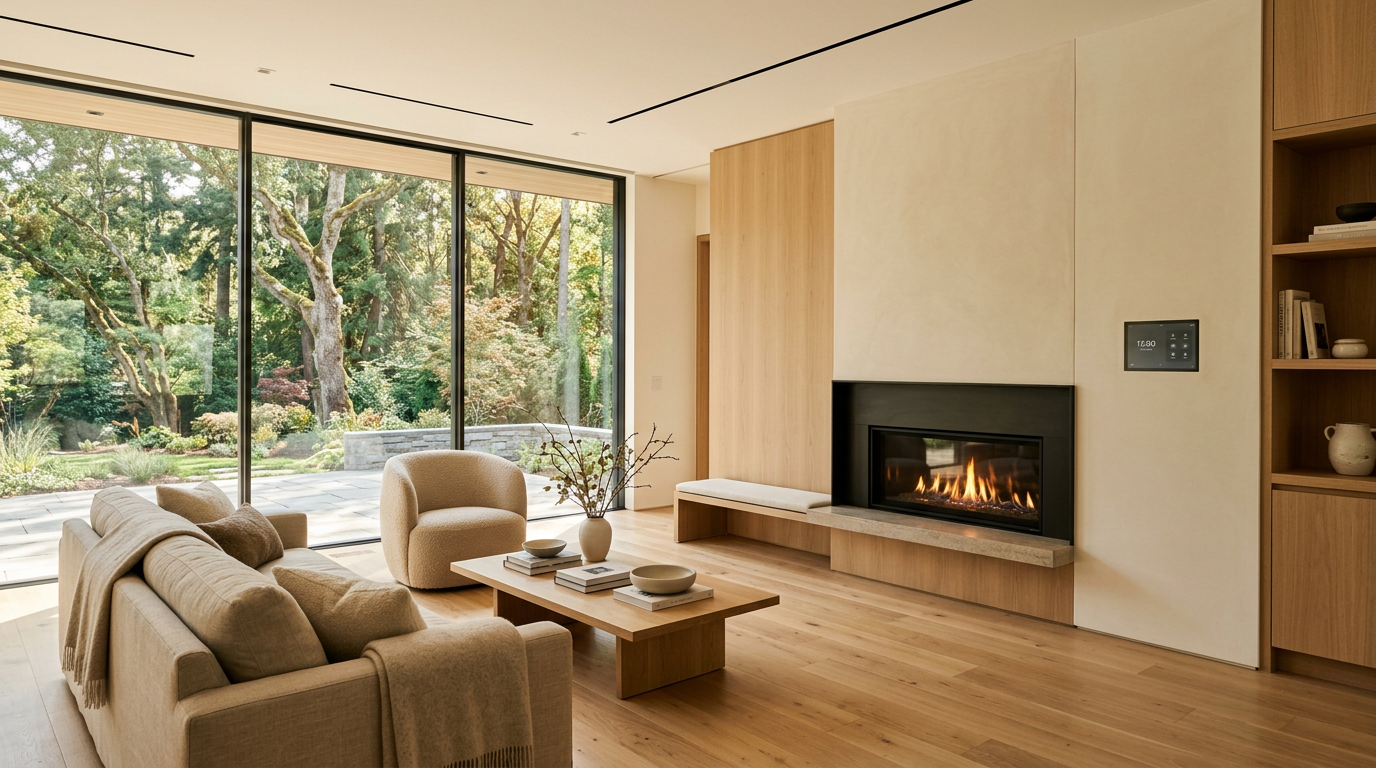
In many great rooms, the fireplace serves as the natural architectural focal point. This leads many homeowners to mount their television directly above the mantel. While this saves floor space, it presents several serious layout and technical challenges.
Ergonomic Strain
A typical fireplace mantel sits 50 to 60 inches off the floor. Placing a TV above it means the center of the screen will likely be 65 to 75 inches high. This forces you to look upward at a sharp angle, which is the ergonomic equivalent of sitting in the front row of a movie theater.
Heat and Electronics
Heat is the enemy of sensitive electronics. Rising heat and soot from a wood-burning or gas fireplace can bake the internal processors of your TV, shortening its lifespan and potentially voiding your warranty.
Aesthetic Competition
A television is a dark glass rectangle. When placed directly over a beautiful fireplace, it competes with the hearth for attention, cluttering the visual design of the room.
+-------------------------------------------------------------------------+
|                        Fireplace Placement Pros & Cons                  |
+------------------------------------+------------------------------------+
| Pros                               | Cons                               |
+------------------------------------+------------------------------------+
| Consolidates focal points          | Severe neck strain from height     |
| Saves floor space                  | Heat damage to interior components |
| Clean look when off (with Art TVs) | Complex wire routing through brick |
+------------------------------------+------------------------------------+
Better Alternatives
If you must use the fireplace wall, look for a dynamic mounting system that allows you to pull the TV down and outward over the mantel when in use, and push it back up when you are done. Alternatively, place the television on an adjacent wall. This allows you to create two distinct zones: a cozy, screen-free conversation area around the fireplace, and a dedicated media zone nearby.
Handling the Logistics: Wiring, Infrastructure, and Code
Once you have identified the right wall, you need to plan for power and signal cables. Dangling cords immediately ruin the look of a custom wall installation. Managing them correctly requires a mix of electrical safety and foresight.
First, never run standard television power cords or HDMI cables loosely behind the drywall. This is a violation of the National Electrical Code (NEC) because standard power cords are not rated to handle the heat inside a wall cavity.
Instead, have a licensed professional install a recessed media box—often called a "boss box"—directly behind where the TV will mount. This box should include:
- A code-compliant electrical outlet to power the TV and any small streaming devices.
- A low-voltage pass-through plate for your HDMI, optical, or ethernet cables.
- An in-wall conduit run (usually 1.5 to 2 inches in diameter) that leads down to a matching outlet near the floor. This allows you to easily pull new cables through the wall in the future without tearing out drywall.
If you are mounting to an exterior wall, keep in mind that these walls are packed with insulation, which can make fishing cables more difficult and may require shallow back-boxes to maintain the home’s thermal envelope.
The Elevated Choice: Custom Media Walls and Built-ins
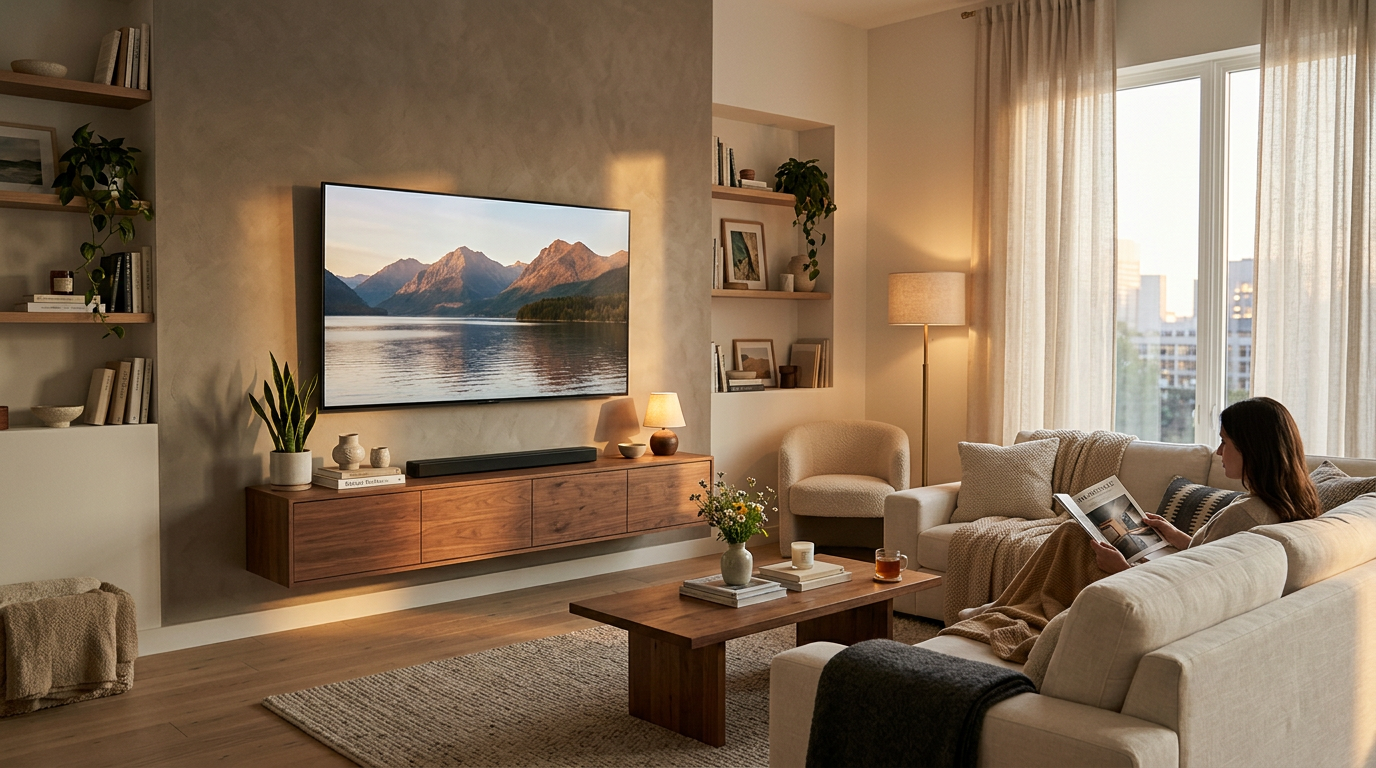
For a living room that needs to serve multiple purposes, a custom-built media wall is often the finest solution. Rather than hanging a screen on a blank wall, a professional remodeler can design custom cabinetry that integrates the television into the room’s architecture.
Hidden Compartments
You can conceal the screen behind pocket doors, sliding barn-style panels, or custom artwork on a motorized roller. This keeps the television hidden from view until it is actually needed.
Integrated Storage
Built-ins provide a dedicated home for AV receivers, gaming consoles, subwoofers, and cable boxes. You can use infrared repeaters or RF remotes to control this gear through closed cabinet doors, keeping the visual space clean and clutter-free.
Balanced Design
Framing a TV with open shelving, books, and decorative objects softens the visual impact of the screen, making it look like a deliberate design choice rather than an afterthought.
Great Rooms: Prioritize People, Then Screens
In large, open-concept great rooms, it is easy to let the television dictate the design. However, the most successful rooms prioritize human connection first.
Start by arranging your main furniture around the room’s primary social functions: conversation, view windows, and path of travel. Once you have established a comfortable conversational grouping, identify where the television fits naturally into that layout.
You can use swivel mounts, floating media consoles, or subtle divider walls to position the television perfectly without forcing your sofas into awkward, theater-style rows that make regular conversation difficult when the screen is dark.
Deciding on the perfect placement for your TV involves balancing structural limits, light control, and family dynamics. If you are planning a living room update, family room remodel, or custom wall installation, we can help you design a space that looks beautiful and functions flawlessly. Reach out to the team at Modern Builders of America to schedule a free in-home estimate at /contact, and let's discuss how to bring your vision to life.